
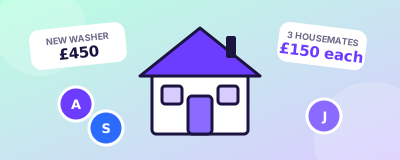
Housemates
A new washing machine, the deposit or a big shop: split it without the awkward chasing.
HOW IT WORKS
Add the purchase, split the total, everyone pays their own part, and the merchant is paid in full. For example: a £300 checkout, 3 people, £100 each.
Add the checkout, say a £300 villa booking, and share one invite link with your group.
Split equally, by custom amount, or by item. Everyone sees exactly what they owe: £100 each for 3 people.
Each person pays with their own card or wallet. Nobody fronts the cost for anyone else.
The merchant receives the full £300, and the whole group keeps a shared receipt.
If the checkout gets split, Splitalizer belongs in the chat.
A new washing machine, the deposit or a big shop: split it without the awkward chasing.
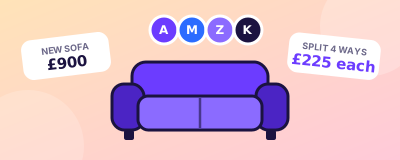
Furnish the place together: one sofa, split between everyone who will sit on it.

Tickets, food, decorations: split the big event shop and see who has paid.

Book the villa together without one person paying the deposit.

Chip in for a big gift without one person covering it.
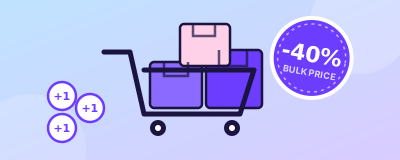
Order a pizza or buy a Groupon deal together and split the total fairly.
Your card, your wallet. No shared accounts and no pre-loading money.
The merchant receives the whole amount as one payment, with no part-payments to chase.
Every split saves an itemised record that the whole group can open later.
Amounts and payment methods shown on this site are illustrative until launch. See the FAQs.
Join the waitlist and be first to know when Splitalizer opens for groups.
Join the Waitlist